Profile & socials
Credits, expiry, and social links — updated once, used on every new flipbook.
A modern way for photography studios to deliver albums that clients love.
500+
Happy Studios
50K+
Albums Created
99%
Client Satisfaction
24/7
Support
Turn Moments Into Memories
Product
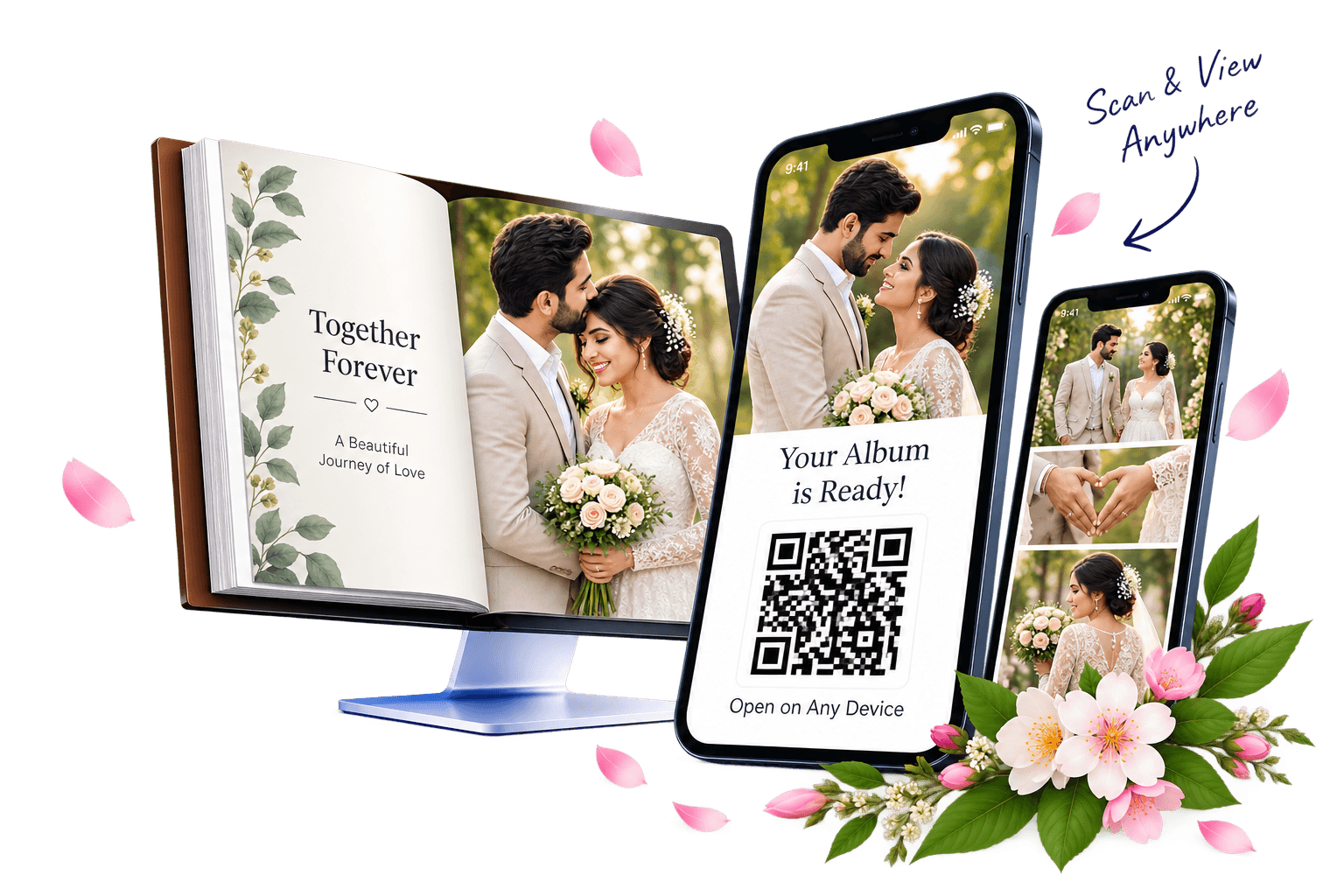
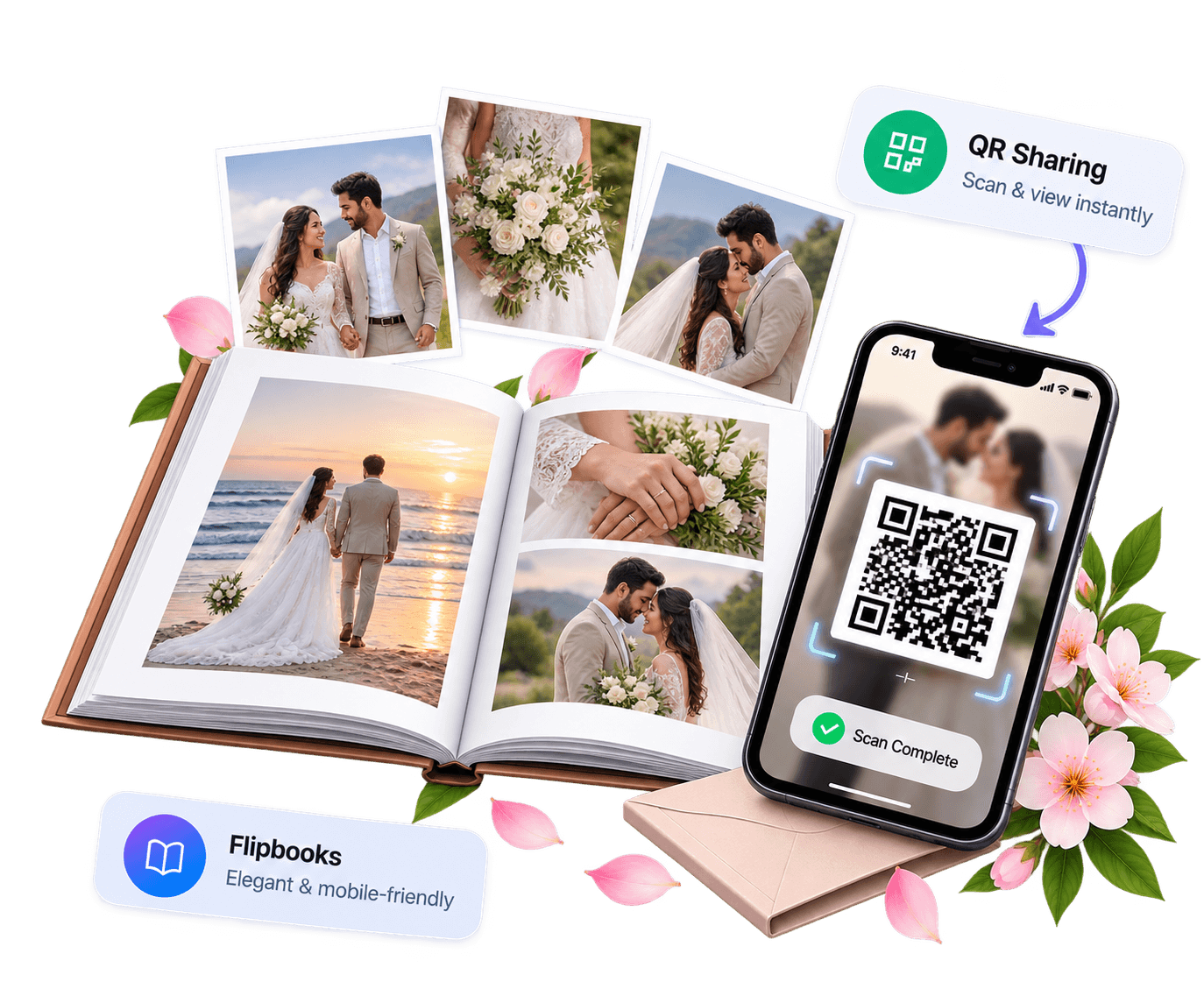
We transform your photos into elegant digital flipbooks that work seamlessly on all devices. Share them instantly using smart QR codes and give your guests a premium, branded viewing experience.
Our flipbooks feature smooth page-turn effects, optional background music, and full mobile support. With high-quality QR codes, one-tap browser access (no app needed), custom branding, secure hosting, and priority support, sharing memories becomes effortless and professional.
Inside the workspace
From profile to QR — the tools you use every day.
Credits, expiry, and social links — updated once, used on every new flipbook.
Start with free credit. Recharge to keep creating. Existing books stay visible either way.
Customer & studio details, front / back / middle uploads, rearrange, then create.
Every book in one list. Open anytime — no recharge needed to view.
Preview the book, send a QR to the client. Opens in browser — no app.
Find by studio, client name, or date from what you filled at create.
How it works
One path: details → covers → middle pages → create.
From the dashboard side nav, open Create Flipbook.
Add the customer name and function date.
Studio uses your profile name & socials. Lab fills studio name, socials, and a profile link for that book.
Front cover, then back cover, then middle images. Each section accepts multiple photos.
Fix the order on the same screen, then create. The new book lands in your library.
Front, middle, and back each place photos differently — closed edges, white halves, and full photo spreads.
First page is a closed-book right side. Next open spread is white left + photo right. Extra front uploads keep that white · photo pattern.
Page 1 · closed
Closed book — cover photo on the front.
Pages 2–3 · open
Left white · right your upload.
More front uploads
Same pattern continues for each extra image.
Inside pages are full spreads — half photo on the left, half photo on the right, and so on.
Open spread
Left photo · right photo on one page.
Next spread
Continues the same way for more middles.
More middle uploads
Same left · right photo pairing keeps going.
Near the end: photo left · white right. The last page is a closed-book left side.
More back uploads
Extra images add more photo · white spreads.
Pages n−3 · n−2
Left your upload · right white.
Page n · closed
Closed book — last photo on the back.
Plans
Your studio alone, or create flipbooks for others — choose what fits.
Your studio
50 credits · 30 days
Your studio
100 credits · 180 days
Your studio
150 credits · 365 days
Gallery
A peek at the stills that become digital flipbooks.
Images


Contact
Plans, credits, or a flipbook question — send a short note.